
Free digital menu: how to set one up and take orders online
How to set up a free digital menu for a restaurant, snack bar or bakery, with a QR code on the table and orders arriving ready in your dashboard.
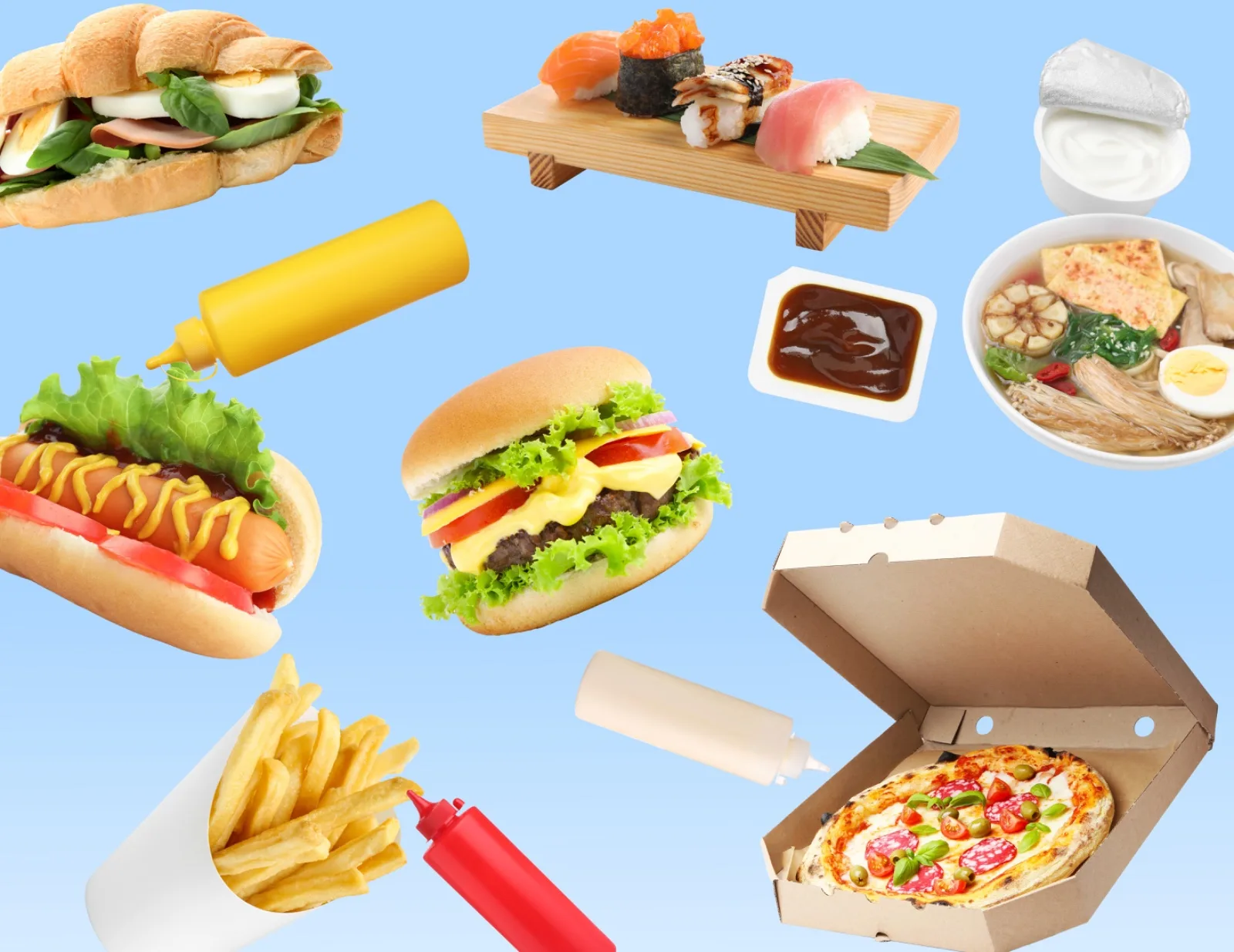
The PDF menu sent over WhatsApp is on its way out. It doesn't open properly on phones, it makes people zoom in to read the price and, when a price changes, someone has to redo the file and send it to everyone again. And orders still arrive in a mess: "I want two of the chicken one, no onion, and a soda".
A digital menu solves both ends. The customer sees everything organized, with photos and prices, picks the add-ons and sends the order ready. You receive a neat list, with the total already calculated.
What a digital menu is
It is a page with your dishes that opens in the phone's browser, with no app to download. People can reach it through a link (on Instagram, on WhatsApp, on Google) or through a QR code on the table, at the counter or on the delivery packaging.
It works for restaurants, snack bars, pizzerias, burger joints, acai shops, bakeries, meal prep and cafés. Any food business that takes orders.
Why it pays to swap the PDF for a digital menu
- Prices are always right. When an ingredient gets more expensive, you change the price on the menu and that's it. Anyone who opens the link already sees the new price.
- Complete orders. The customer picks the size, flavor, add-ons and notes. Fewer half-finished orders and fewer mistakes in the kitchen.
- Less time on your phone. Instead of answering "how much is it?" twenty times a night, you confirm orders.
- No delivery app fees. The order comes straight to you, and the customer is yours, not the platform's.
How to set up a digital menu, step by step
1. Organize the categories the way customers think
Follow the order of a meal: starters, main courses, sides, desserts, drinks. In a snack bar: sandwiches, combos, sides, drinks. Put the best sellers at the top.
2. Write names that make people hungry
"Cheeseburger" says little. "Handmade 6 oz burger, cheddar, lettuce, tomato and house sauce" makes people picture the sandwich. The description also prevents the question "what comes in it?".
3. Add photos to the main items
Photos increase orders, especially for the most expensive items and the ones nobody knows by name. Photograph the finished dish from above or at a slight angle, with natural light and a clean background. Start with your ten best sellers.
4. Add the extras and options
Extra bacon, stuffed crust, how the meat is cooked, acai bowl size, no onion. The more the customer settles on their own in the menu, the less back-and-forth in the chat.
5. Set delivery, pickup and fees by neighborhood
Make it clear whether you deliver, where, how much it costs and what the minimum order is. A fee by neighborhood is the simplest way to run your own delivery.
6. Create the menu QR code and spread it around
- On the table and at the counter, for people eating in.
- On the delivery packaging and bag, so the next order comes straight to you.
- In your Instagram bio and your WhatsApp Business greeting.
- On your Google Business Profile, where many people search for "food near me".
A digital menu for dine-in, delivery or counter
In the restaurant, a QR code menu on the table saves the waiter from handing out and collecting printed menus, and customers see a photo of each dish before choosing.
For delivery, the digital menu replaces the back-and-forth of messages: the customer chooses, enters the address and the order arrives ready, with the neighborhood fee added.
At the counter and for pickup, the customer orders on their phone before arriving and just stops by to pick it up.
The same menu works for all three. What changes is where the link or the QR code appears.
How the order reaches you
The customer chooses the items, fills in the address and pays by Pix or card. The order shows up in your dashboard, under Orders, already organized: items, add-ons, notes, delivery method and total. You can get a notification or an email for every new order. And if you need to talk to the customer, one tap opens the chat on WhatsApp.
Common questions
How to create a free digital menu
Choose a platform with a free plan, add the categories and dishes with prices and photos, set up delivery and pickup and create the QR code. In one afternoon your menu is online.
Does a free delivery menu charge a fee per order
It depends on the platform. Delivery apps usually charge a commission on every order; with your own menu, the cost usually comes down to online payment fees. Check the terms before choosing.
Do customers need an app to order
No. The digital menu opens in the phone's browser, through the link or by pointing the camera at the QR code.
Create a free digital menu with Trily
With Trily you build your menu with photos, prices and options, get an address like yourrestaurant.trily.shop and receive orders ready in your dashboard. The Free plan already includes the menu, orders and online payment.
You can start today with your best-selling dishes and fill in the rest later. The first order that arrives complete, without you having to ask anything, already shows the difference.